SEO
SEO Audit Checklist for Businesses: 25 Things to Check Before Hiring an Agency
Most businesses hire an SEO agency without knowing what's actually broken. A basic audit before that conversation changes the entire negotiation — here's exactly what to check.

The short answer
An SEO audit is a structured review of everything that affects whether your site can be found, crawled, indexed, and ranked — technical health, on-page content, and off-page authority. Running one before you hire an agency (or renew one) gives you a real baseline, so you can tell whether a proposal is solving your actual problems or just reciting a generic checklist back to you.
Below is a 25-point checklist organized into the six areas that matter most, followed by how to actually run through it.
Why this matters before you hire anyone
Most agency conversations start with the agency describing what they do. A better conversation starts with you already knowing what’s actually wrong. It changes what you ask, makes vague proposals easier to spot — see our guide on choosing the right digital marketing agency for the specific questions this puts you in a position to ask — and gives you a way to measure whether the engagement is actually working three months in.
Crawlability and indexing (items 1–6)
Nothing else on this list matters if Google can’t find and index your pages in the first place, per Google’s own SEO Starter Guide.
- robots.txt isn’t blocking important sections. A single misconfigured line can accidentally block your entire site from being crawled.
- No accidental
noindextags on pages you want ranked — these are easy to leave in place after a site migration or redesign. - XML sitemap exists, is submitted, and is up to date in Google Search Console.
- Canonical tags point to the correct URL on every page, especially if you have similar or duplicate content.
- No major crawl errors reported in Search Console’s Pages report (404s, server errors, redirect chains).
- HTTPS is properly configured across the entire site, with no mixed-content warnings.
Technical performance (items 7–11)
- Core Web Vitals pass Google’s thresholds. According to Google’s web.dev documentation, that means Largest Contentful Paint under 2.5 seconds, Interaction to Next Paint under 200 milliseconds, and Cumulative Layout Shift under 0.1 — measured at the 75th percentile of real visitors.
- Mobile usability has no errors — check Search Console’s mobile usability report directly.
- Pages load reasonably fast on a typical connection, not just on a fast office wifi connection.
- No broken internal links or redirect chains that waste crawl budget and hurt user experience.
- The site uses a logical URL structure — short, readable, and consistent, without unnecessary parameters or duplication.
On-page SEO (items 12–17)
- Every important page has a unique title tag that includes its target topic — not a repeated template across every page.
- Meta descriptions are written for click-through, not left blank or duplicated across pages.
- Heading structure is logical — one H1 per page, with H2s and H3s that reflect a real content hierarchy rather than jumping levels randomly.
- Target keywords appear naturally in the title, H1, and early body content — without stuffing.
- Images have descriptive alt text, both for accessibility and for image search visibility.
- Internal linking connects related pages, rather than leaving important pages orphaned with no links pointing to them.
Content quality (items 18–21)
- Content actually answers the query it’s targeting, rather than circling the topic without a direct answer.
- Pages aren’t thin or duplicated — near-identical service pages targeting slightly different keywords tend to compete with each other instead of ranking.
- Content is kept current, especially for topics where accuracy changes over time (pricing, regulations, statistics).
- Your most important pages have enough depth to be genuinely useful, not just enough to technically exist.
Off-page authority (items 22–23)
- Review your backlink profile for both quality and any obviously spammy or unnatural-looking links that could be worth disavowing.
- Check whether competitors in your space have meaningfully more referring domains — this tells you how much of the ranking gap is a content problem versus an authority problem.
Local and structured data (items 24–25)
- Structured data is implemented correctly where relevant (organization, article, product, FAQ, local business). Per Google’s structured data guidelines, correct markup doesn’t guarantee a rich result, but incorrect markup can prevent one entirely.
- Google Business Profile is claimed, verified, and consistent with your website’s name, address, and phone number, if your business serves a local market.
How to tell a minor issue from a serious one
Not every item on this checklist carries the same weight, and knowing the difference saves you from either panicking over something small or ignoring something that’s quietly capping your traffic.
- A missing meta description is minor — Google will generate one automatically, and while a written one improves click-through rate, its absence won’t stop a page from ranking.
- A
noindextag left on a page after a redesign is serious — that page is invisible to Google regardless of how good the content is, and it can sit unnoticed for months if no one’s checking. - A slow-loading image gallery is worth fixing but rarely urgent on its own.
- A site-wide Core Web Vitals failure is serious, because it affects how every page on the site is evaluated, not just one.
- Thin content on a low-priority page can usually wait.
- Thin content on the page targeting your most valuable keyword should move to the top of the list, since it’s the page most likely to be compared directly against competitors who did the work.
The pattern worth noticing: severity usually comes down to scope (one page vs. site-wide) and business value (a page nobody visits vs. your main conversion path) — not how technical or unfamiliar the term sounds.
How to actually run this audit
You don’t need an expensive toolset to get through most of this list:
- Google Search Console (free) covers indexing status, crawl errors, mobile usability, and Core Web Vitals in one place.
- Google PageSpeed Insights (free) gives a detailed breakdown of Core Web Vitals and specific performance recommendations per page.
- A basic site crawl using any crawler tool will surface broken links, duplicate titles, and missing meta descriptions quickly, even on a free plan for smaller sites.
- Manual review is still the best tool for judging content quality and whether pages actually match search intent — no tool can fully substitute for reading your own top pages the way a visitor would.
None of the tools above require a budget, which is worth knowing before you assume a proper audit has to come bundled with a paid engagement — see our digital marketing cost guide if you’re weighing a DIY audit against paying someone to run it for you.
What to do with what you find
Not every finding deserves the same urgency. A reasonable way to prioritize:
- Fix anything blocking indexing first — this is the difference between “ranking poorly” and “not eligible to rank at all.”
- Address Core Web Vitals failures next, especially on your highest-traffic and highest-value pages.
- Rework thin or underperforming content on pages that target your most commercially important keywords.
- Clean up on-page basics (titles, meta descriptions, heading structure) across the rest of the site.
- Revisit authority and backlink strategy once the technical and on-page foundation is solid — links compound faster when they’re pointing at a site that’s actually ready to convert.
Common mistakes when running an SEO audit
- Treating every finding as equally urgent. A missing alt tag and a site-wide noindex error are not the same emergency.
- Auditing once and never again. Sites change, redesigns happen, and new pages get added — a one-time audit goes stale.
- Fixating on technical issues while ignoring content quality. A technically perfect page with thin, unhelpful content still won’t rank well.
- Not checking mobile separately. A site that looks fine on desktop can have real problems on the experience most visitors actually use.
The bottom line
An SEO audit isn’t just a pre-hiring exercise — it’s the fastest way to understand what’s actually limiting your visibility, instead of guessing. Once you’ve been through this list, you’ll know whether your next move is a technical fix, a content overhaul, or a genuine authority problem — which makes any conversation with an agency (including us) a lot more productive. If you’ve already run through this checklist and found more than you can reasonably fix alone, an SEO team can take it from here.
Frequently asked questions
How often should I run an SEO audit?
A full audit once or twice a year is reasonable for most businesses, with lighter monthly checks on the basics — indexing status, Core Web Vitals, and any new crawl errors in Search Console. Audit again immediately after a major site change, a redesign, or a sudden drop in traffic.
Can I do an SEO audit myself, or do I need an agency?
You can absolutely run a basic audit yourself using free tools like Google Search Console and PageSpeed Insights — this checklist is designed for exactly that. A deeper technical audit (crawl analysis at scale, log file review, competitive gap analysis) is where most businesses start to benefit from a specialist, especially on larger sites.
What's the difference between a technical SEO audit and a full SEO audit?
A technical audit focuses narrowly on crawlability, indexing, site speed, and infrastructure. A full SEO audit also covers on-page content quality, keyword targeting, internal linking, and backlink profile. Most businesses benefit from starting technical, since technical problems can block everything else from working.
What SEO audit finding should I fix first?
Anything blocking indexing — accidental noindex tags, robots.txt blocking important sections, or broken canonical tags — should be fixed first, since these prevent pages from being found by Google at all. After that, prioritize Core Web Vitals failures and any pages targeting your most valuable keywords with thin or unclear content.
Is a free SEO audit tool as good as a manual audit?
Free tools are a genuinely useful starting point and will surface most of the obvious technical issues. What they typically miss is judgment — whether your content actually matches search intent, whether your internal linking reflects your real business priorities, and whether a fix is worth the effort relative to its impact. That judgment layer is where a manual review (or an experienced second opinion) adds the most value.
More insights
SEO
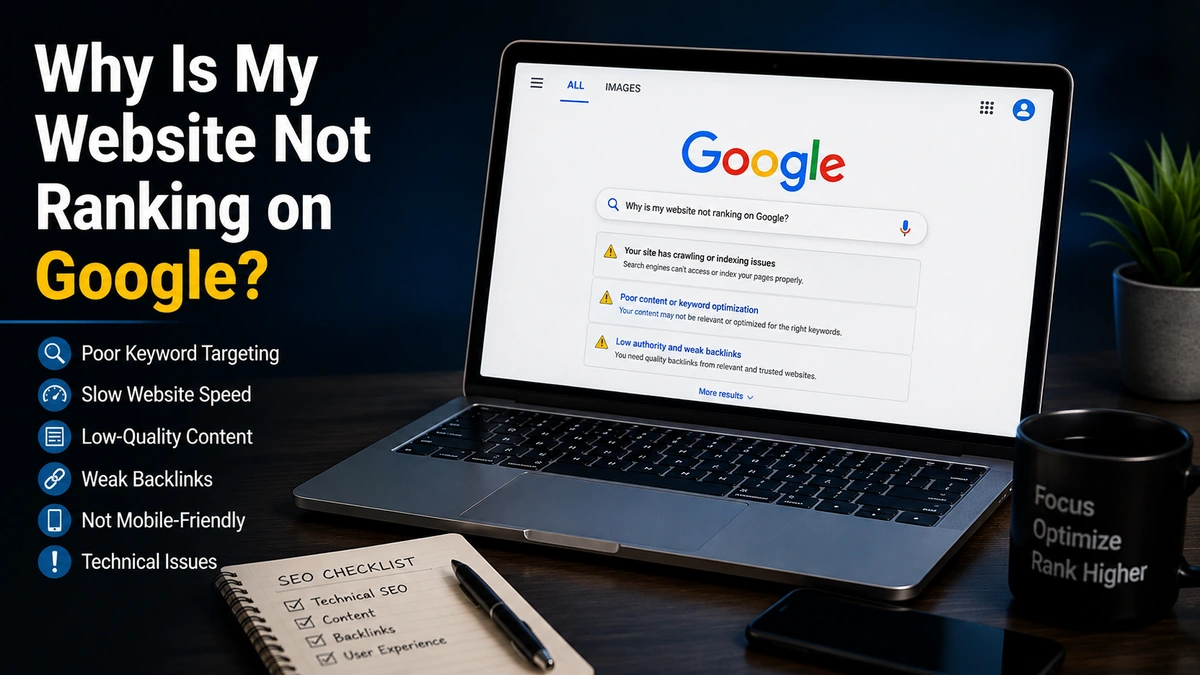
Why Is My Website Not Ranking on Google? 15 Common SEO Problems
"We're not ranking" is rarely one problem. It's usually one of about fifteen specific, diagnosable issues — and most of them are easier to identify than business owners expect.
Read Article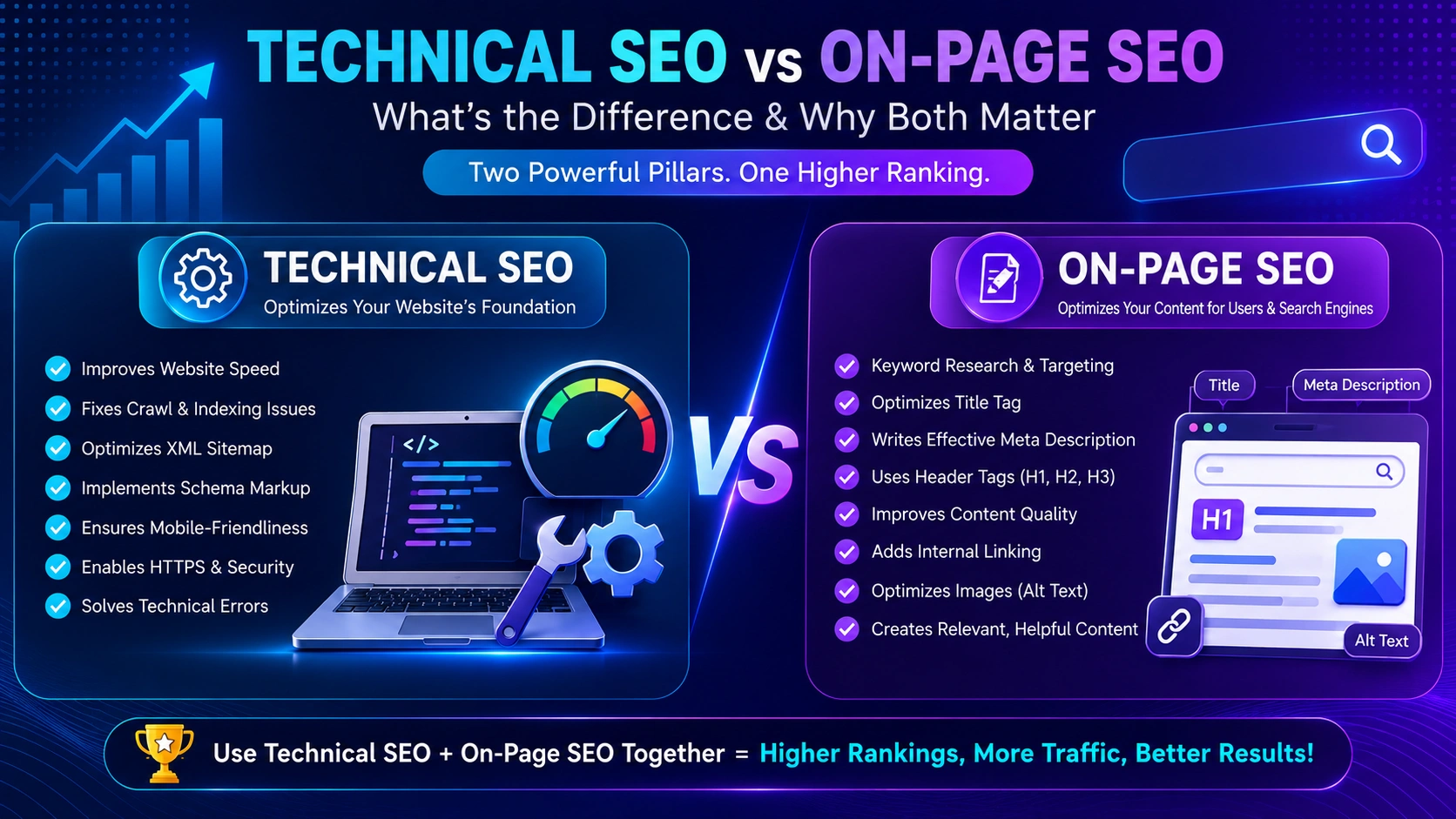
SEO
Technical SEO vs On-Page SEO: What Does Your Website Actually Need?
You can have perfect on-page content on a page Google can't crawl, and perfect technical health on a page with nothing worth ranking. Here's how the two actually differ, and where to look first.
Read Article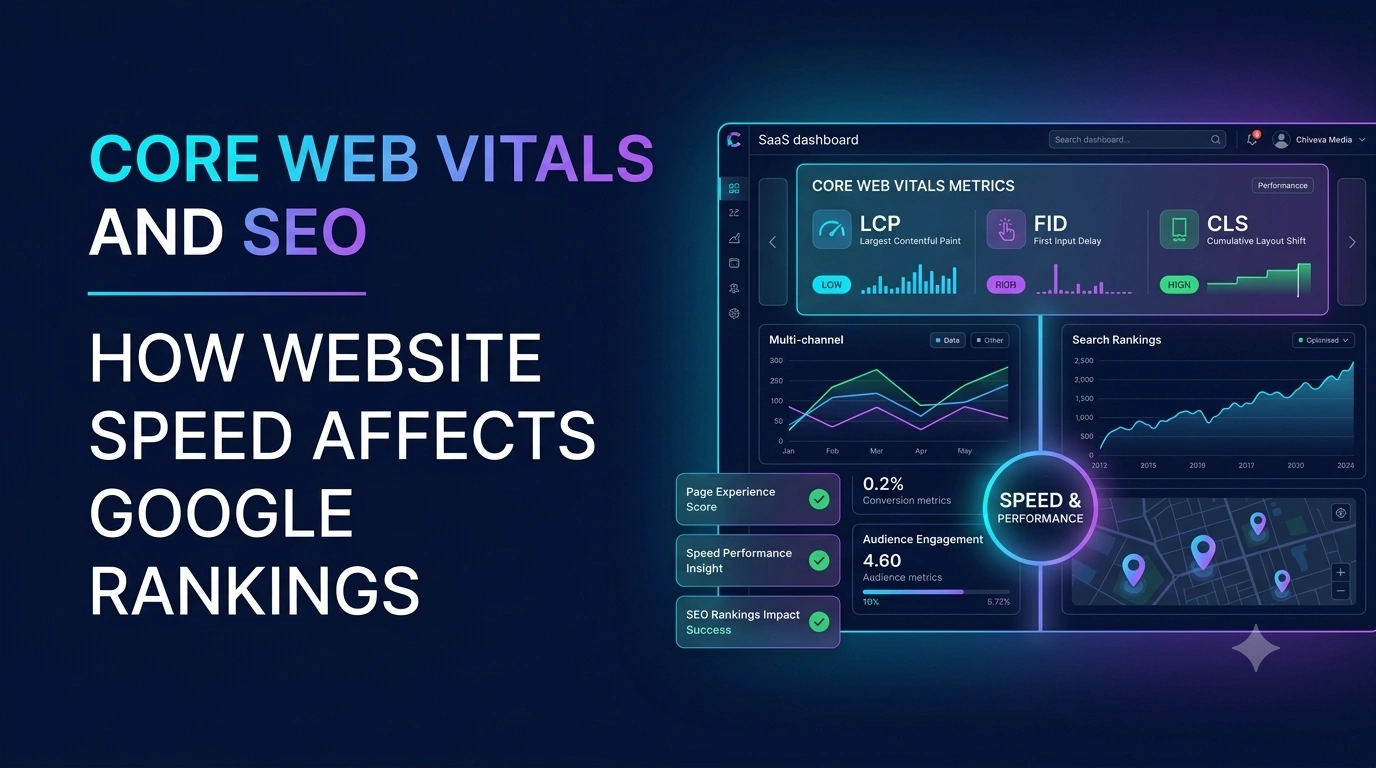
SEO
Core Web Vitals and SEO: How Website Speed Affects Google Rankings
Core Web Vitals aren't an abstract technical score — they're Google's attempt to measure whether your site actually feels fast and stable to a real visitor.
Read Article