
SEO
Core Web Vitals and SEO: How Website Speed Affects Google Rankings
Core Web Vitals aren't an abstract technical score — they're Google's attempt to measure whether your site actually feels fast and stable to a real visitor.
The short answer
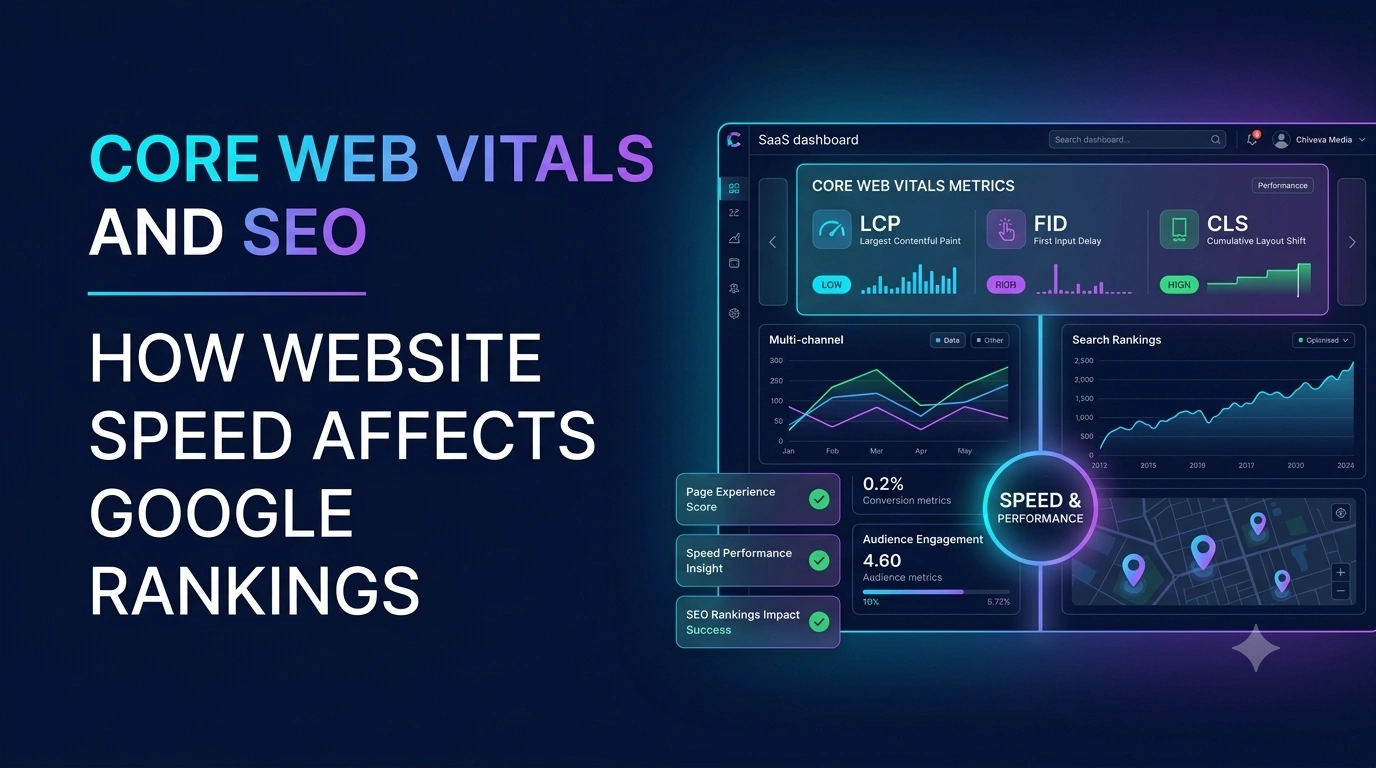
Core Web Vitals are three specific metrics Google uses to measure real-world user experience: Largest Contentful Paint (loading speed), Interaction to Next Paint (responsiveness), and Cumulative Layout Shift (visual stability). Per Google’s own web.dev documentation, the “good” thresholds are LCP under 2.5 seconds, INP under 200 milliseconds, and CLS under 0.1, each measured at the 75th percentile of real visits — meaning at least 75% of a page’s real-world visits need to meet that bar for the page to be considered “good” overall. They’re one input among many for ranking, but a meaningful one that’s fully within a site’s control to fix.
What each metric actually measures
- Largest Contentful Paint (LCP) — how long it takes for the largest visible content element (often a hero image or heading) to render. This is the closest of the three to a traditional “load time” metric.
- Interaction to Next Paint (INP) — how quickly the page responds after a user interacts with it (clicking a button, opening a menu). A page that loads fast but freezes when clicked still fails this metric.
- Cumulative Layout Shift (CLS) — how much visible content unexpectedly shifts around as a page loads, like text jumping down when an image finally loads above it.
Why all three matter, not just load speed
A site can load quickly and still deliver a poor experience if buttons feel sluggish to respond or content jumps around unpredictably as it loads. Core Web Vitals were specifically designed to capture that fuller picture rather than reward raw load speed alone — which is why fixing only one metric while ignoring the others leaves real user-experience problems (and potential ranking impact) unaddressed.
How Core Web Vitals connect to rankings
Core Web Vitals are part of Google’s broader page experience signals, not the dominant ranking factor on their own — genuinely relevant, high-quality content typically outweighs a marginal Core Web Vitals difference. But poor Core Web Vitals can act as a ceiling: even strong content on a page with a genuinely bad user experience is competing at a disadvantage against similarly relevant content that also delivers a smooth experience. This overlaps directly with why a website might not be ranking on Google despite seemingly solid content.
Common causes of poor Core Web Vitals
| Metric | Common causes |
|---|---|
| LCP | Unoptimized images, slow server response, render-blocking resources |
| INP | Heavy JavaScript execution, inefficient event handlers |
| CLS | Images/ads without reserved space, web fonts causing text reflow, dynamically injected content |
How to check and improve your scores
- Use Google’s free PageSpeed Insights tool to see both lab data (controlled tests) and field data (real visitor experience) for any URL.
- Check Search Console’s Core Web Vitals report for a site-wide view of how real users are actually experiencing your indexed pages over time.
- Optimize images — proper sizing, modern formats, and lazy loading for below-the-fold images meaningfully improve LCP.
- Reserve space for dynamic content (ads, embeds, images) before it loads, to prevent layout shift.
- Reduce and defer non-essential JavaScript to improve interaction responsiveness.
This kind of technical health check is a core part of a full SEO audit, and sits squarely on the technical side of the broader technical SEO vs. on-page SEO distinction.
Common mistakes
- Only checking lab data, which can look better than what real users actually experience in the field.
- Fixing LCP while ignoring INP and CLS, leaving genuine experience problems unaddressed.
- Treating Core Web Vitals as a one-time fix rather than monitoring them over time as site changes (new plugins, ad units, content) can quietly regress scores.
- Assuming Core Web Vitals alone will fix a ranking problem that’s actually rooted in content relevance or quality.
The bottom line
Core Web Vitals give you a concrete, measurable way to understand whether your site actually feels fast and stable to real visitors — not just whether it loads quickly in a controlled test. Bringing LCP, INP, and CLS into Google’s “good” range removes a real, fixable disadvantage relative to competitors with a smoother experience, even though strong, relevant content still matters more for rankings overall. Check your real-world field data regularly, since these scores can regress quietly as a site evolves.
Frequently asked questions
What are the three Core Web Vitals metrics?
Largest Contentful Paint (LCP), which measures loading speed; Interaction to Next Paint (INP), which measures responsiveness to user interaction; and Cumulative Layout Shift (CLS), which measures visual stability. Per Google's own web.dev documentation, the 'good' thresholds are under 2.5 seconds for LCP, under 200 milliseconds for INP, and under 0.1 for CLS, measured at the 75th percentile of real user visits.
Do Core Web Vitals directly affect Google rankings?
They're one of many page experience signals Google considers, but they're not typically the dominant ranking factor for most queries — genuinely relevant, high-quality content still matters more. That said, poor Core Web Vitals can suppress otherwise strong content, and among pages of similar relevance, better page experience can be a meaningful tiebreaker.
What's the difference between lab data and field data for Core Web Vitals?
Lab data comes from controlled test runs (like Lighthouse) and is useful for debugging, while field data comes from real user visits collected through the Chrome User Experience Report and reflects what visitors are actually experiencing. Google's ranking-relevant assessment relies on field data, not lab data alone.
Can a fast-loading site still fail Core Web Vitals?
Yes — a site can load quickly (good LCP) but still have poor interactivity (INP) or unexpected layout shifts (CLS) that hurt the overall experience and score, which is why all three metrics need attention rather than just raw load speed.
What's the easiest way to check my Core Web Vitals score?
Google's free PageSpeed Insights tool shows both lab and real-world field data for any public URL, and Search Console's Core Web Vitals report shows how your actual indexed pages are performing over time based on real visitor data.
More insights

SEO
Why Is My Website Not Ranking on Google? 15 Common SEO Problems
"We're not ranking" is rarely one problem. It's usually one of about fifteen specific, diagnosable issues — and most of them are easier to identify than business owners expect.
Read Article
SEO
SEO Audit Checklist for Businesses: 25 Things to Check Before Hiring an Agency
Most businesses hire an SEO agency without knowing what's actually broken. A basic audit before that conversation changes the entire negotiation — here's exactly what to check.
Read Article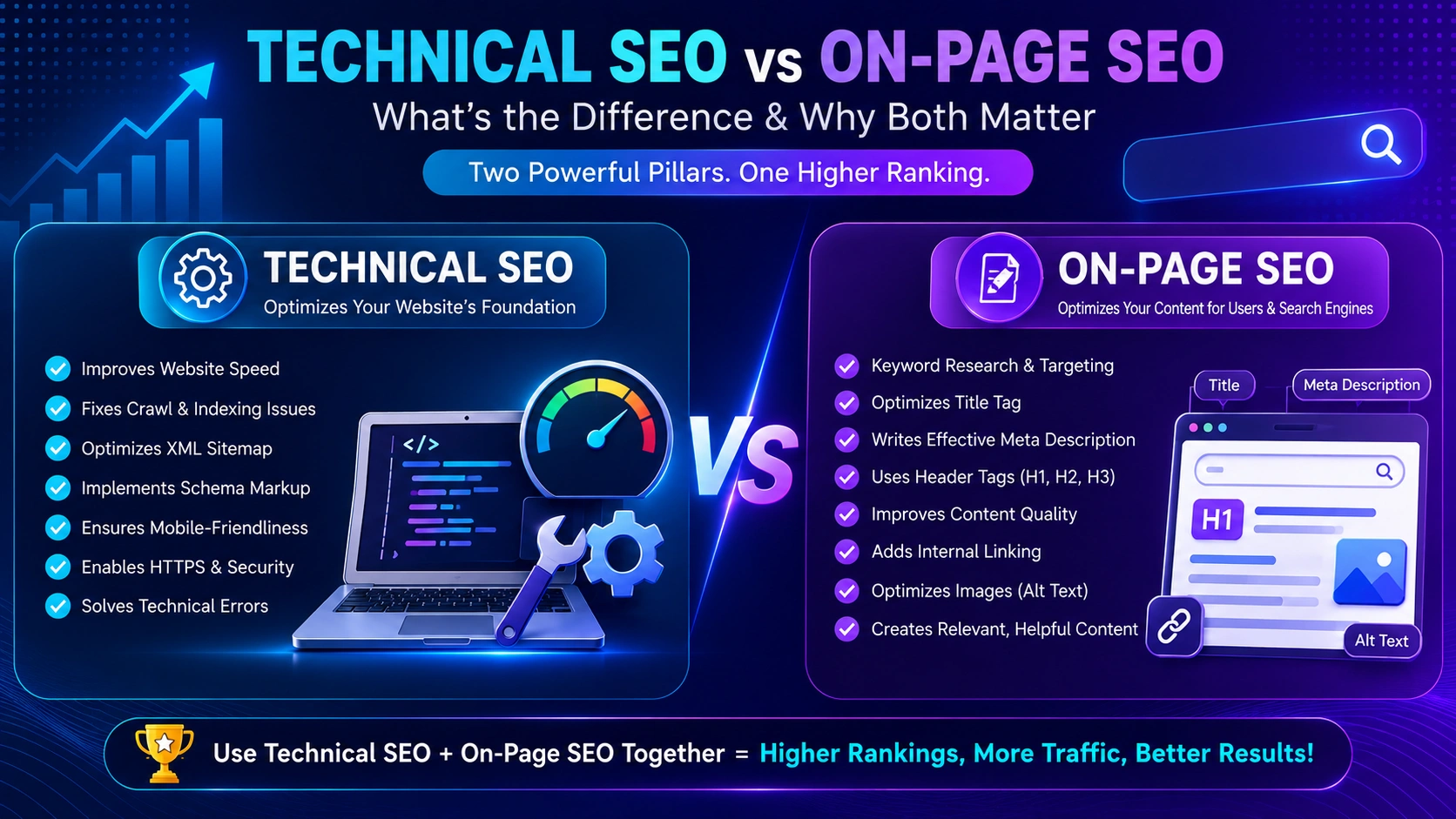
SEO
Technical SEO vs On-Page SEO: What Does Your Website Actually Need?
You can have perfect on-page content on a page Google can't crawl, and perfect technical health on a page with nothing worth ranking. Here's how the two actually differ, and where to look first.
Read Article