SEO
Why Is My Website Not Ranking on Google? 15 Common SEO Problems
"We're not ranking" is rarely one problem. It's usually one of about fifteen specific, diagnosable issues — and most of them are easier to identify than business owners expect.
The short answer
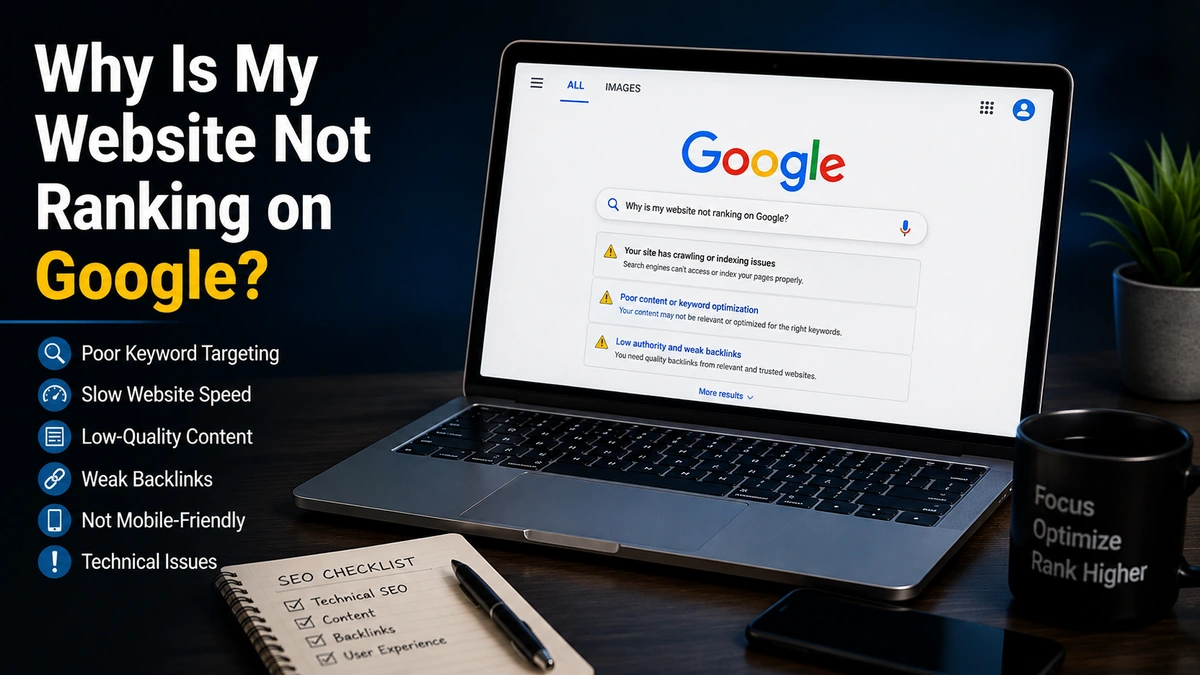
“Not ranking” almost always breaks down into one of three categories: Google can’t find or index your pages, something on the page is actively working against you, or a competitor is simply doing a better job matching what searchers actually want. The 15 problems below cover the most common causes in each category — work through them roughly in order, since the earlier ones tend to block everything after them.
Indexing problems (the site isn’t even in the race)
1. The page isn’t indexed at all. This is the single most common reason a page shows zero visibility, and it’s also the easiest to confirm — check with a site:yourdomain.com search or the URL Inspection tool in Search Console. Per Google’s own guidance on missing pages, this is the very first thing to rule out before assuming a deeper ranking problem, because everything else on this list is irrelevant if the page was never indexed in the first place.
2. robots.txt is blocking the page. A single disallow rule, sometimes left over from a staging environment or added by a developer testing something months ago, can silently block an entire section of a live site from being crawled at all. It’s invisible unless you specifically check the file or Search Console’s coverage report.
3. An accidental noindex tag is still in place. This is extremely common after a site migration, redesign, or CMS change — a tag meant to keep a staging environment out of search results gets carried over to the live site, and pages that were never meant to be hidden quietly disappear from rankings with no obvious error message anywhere.
4. The site is simply too new. New pages, and especially new domains, take time to be crawled, indexed, and trusted enough to rank for anything competitive. This isn’t a bug to fix — it’s a timeline to plan around, and mistaking it for a technical failure often leads to unnecessary, unproductive changes during a period where patience was actually the right move.
5. There’s a manual action against the site. Check the Manual Actions report in Search Console directly — per Google’s documentation, a manual action means a human reviewer determined part of your site violates Google’s guidelines (commonly around spammy links, thin content, or cloaking), and it needs to be explicitly fixed and appealed through Search Console, not just waited out like an algorithmic dip.
Technical problems (the site is found, but something’s wrong)
6. Poor Core Web Vitals. Slow loading, layout shift, or sluggish interactivity all factor into how Google evaluates page experience, on top of directly hurting conversion — a visitor who bounces before the page finishes loading was never going to convert regardless of where the page ranks.
7. Not mobile-friendly. Google evaluates the mobile version of a site first when determining how it should rank, so issues that only show up on a phone — text too small, buttons too close together, content that doesn’t fit the viewport — still count against the page even if the desktop version looks fine.
8. Duplicate or near-duplicate content. When multiple pages on the same site target the same or very similar queries, they compete against each other instead of consolidating ranking signals into one strong page — the practical result is that neither page ranks as well as a single, clearly-differentiated page would.
9. Broken internal linking. Pages that aren’t linked to from anywhere else on the site are harder for both Google’s crawler and real visitors to find, and they also receive none of the authority that internal links would otherwise pass to them from stronger, more established pages.
10. Slow or inconsistent crawling. Frequent server errors, timeouts, or an overloaded hosting environment can cause Google to crawl a site less often and less thoroughly, which delays how quickly new content gets indexed and how quickly fixes to existing problems get recognized.
Content and relevance problems (the site works, but doesn’t win)
11. The content doesn’t match search intent. A page can be well-written, technically sound, and still fail to rank if it answers a slightly different question than the one being searched — a page built to sell a service won’t outrank informational guides for a query where searchers are still in the research phase.
12. The content is thin relative to the competition. If every other result on page one goes noticeably deeper on the topic — more specific guidance, more examples, more direct answers to related questions — a shorter or shallower page starts at a real structural disadvantage, regardless of how well it’s written.
13. Weak topical authority. A single strong page surrounded by no supporting content signals less overall expertise on a subject than a site with a genuinely developed cluster of related content, since Google’s systems increasingly look at how thoroughly a site covers a topic area, not just the strength of one isolated page.
14. A weak backlink profile relative to competitors. Content quality matters enormously, but for competitive commercial terms specifically, authority signals from other credible sites still carry real weight — a technically excellent page on a site with very few quality backlinks can still lose to a mediocre page on a more established domain.
15. Outdated content that hasn’t been refreshed. For topics where accuracy, pricing, or best practices change over time, a page that hasn’t been updated can gradually lose ground to fresher, more current competitors even without any technical issue at all — the content simply becomes less useful relative to what else is available.
Match your symptom to the likely cause
If you want a faster starting point than working through all 15, the specific symptom you’re seeing usually points to a smaller set of likely causes:
| What you’re seeing | Most likely causes |
|---|---|
| Zero traffic from Google, ever | Indexing issues (1–5) |
| Traffic that suddenly dropped to near zero | Manual action (5), or accidental noindex/robots.txt change (2–3) |
| Traffic that declined gradually over months | Content going stale (15), or competitors improving faster than you (12–14) |
| Ranking, but far below competitors | Content depth or intent mismatch (11–13), or backlink gap (14) |
| Indexed but never ranks for target keywords | Search intent mismatch (11), or weak topical authority (13) |
| Rankings that fluctuate a lot week to week | Still-new page or domain (4), or inconsistent crawling (10) |
How to figure out which one applies to you
Work through these in three steps:
- Rule out indexing first. If a page isn’t indexed, nothing else on this list matters until that’s fixed — see problems 1 through 5.
- Check Search Console for anything flagged directly — crawl errors, mobile usability issues, Core Web Vitals failures, and manual actions all show up there without needing to guess.
- Compare your top-ranking competitor’s page against your own, honestly. If their content is longer, more specific, or simply answers the question more directly, that’s usually a content and relevance problem, not a technical one — and it’s worth running through a full SEO audit checklist to catch anything you might be missing.
Common mistakes when diagnosing a ranking problem
- Assuming it’s a penalty when it’s actually a broad algorithm update. These require different responses — a manual action needs to be fixed and appealed; an algorithmic shift usually needs sustained quality improvement over time.
- Fixing technical issues while ignoring content quality, when the technical side was never actually the problem.
- Giving up too early on a new page or domain, before Google has had a reasonable chance to crawl, index, and evaluate it.
- Comparing rankings across very different query types, without accounting for how much more competitive some searches are than others.
The bottom line
Fifteen problems sounds like a lot, but most sites are dealing with one or two, not all of them at once. Start with indexing, move to technical health, and only then evaluate content and authority — working in that order will usually surface the real issue faster than guessing. If you’ve been through this list and are still stuck, an SEO team that does this diagnostic work daily can usually narrow it down quickly — and if you’re evaluating whether to bring one in, our guide on choosing the right digital marketing agency covers what to ask before you commit.
Frequently asked questions
How do I check if Google has indexed my website at all?
Search Google for site:yourdomain.com — if pages show up, they're indexed. For a more precise check, use the URL Inspection tool in Google Search Console, which tells you exactly whether a specific page is indexed and flags any issues preventing it.
How long should I wait before assuming my site has a ranking problem?
For a brand-new site or newly published page, give it at least a few weeks after confirming it's indexed before drawing conclusions — early rankings fluctuate significantly. If a previously-ranking page suddenly drops, that's a more immediate signal worth investigating right away.
Can a slow website really stop me from ranking?
Site speed alone rarely tanks rankings on its own, but poor Core Web Vitals are a genuine ranking factor and, more importantly, they hurt conversion rates directly — visitors abandon slow pages regardless of where they rank.
Is it a Google penalty or something else?
A true manual penalty will show up explicitly in the Manual Actions report in Google Search Console — if that report is clean, you're not dealing with a penalty, even if a broad algorithm update has affected your rankings. Those are two different problems with different fixes.
Why does my competitor rank higher with a worse website?
Rankings aren't only about on-page quality — domain authority, backlink profile, content depth, and how well a page matches search intent all factor in. A visually worse site with stronger topical authority and more useful content for that specific query can outrank a nicer-looking page that doesn't answer the question as directly.
More insights

SEO
SEO Audit Checklist for Businesses: 25 Things to Check Before Hiring an Agency
Most businesses hire an SEO agency without knowing what's actually broken. A basic audit before that conversation changes the entire negotiation — here's exactly what to check.
Read Article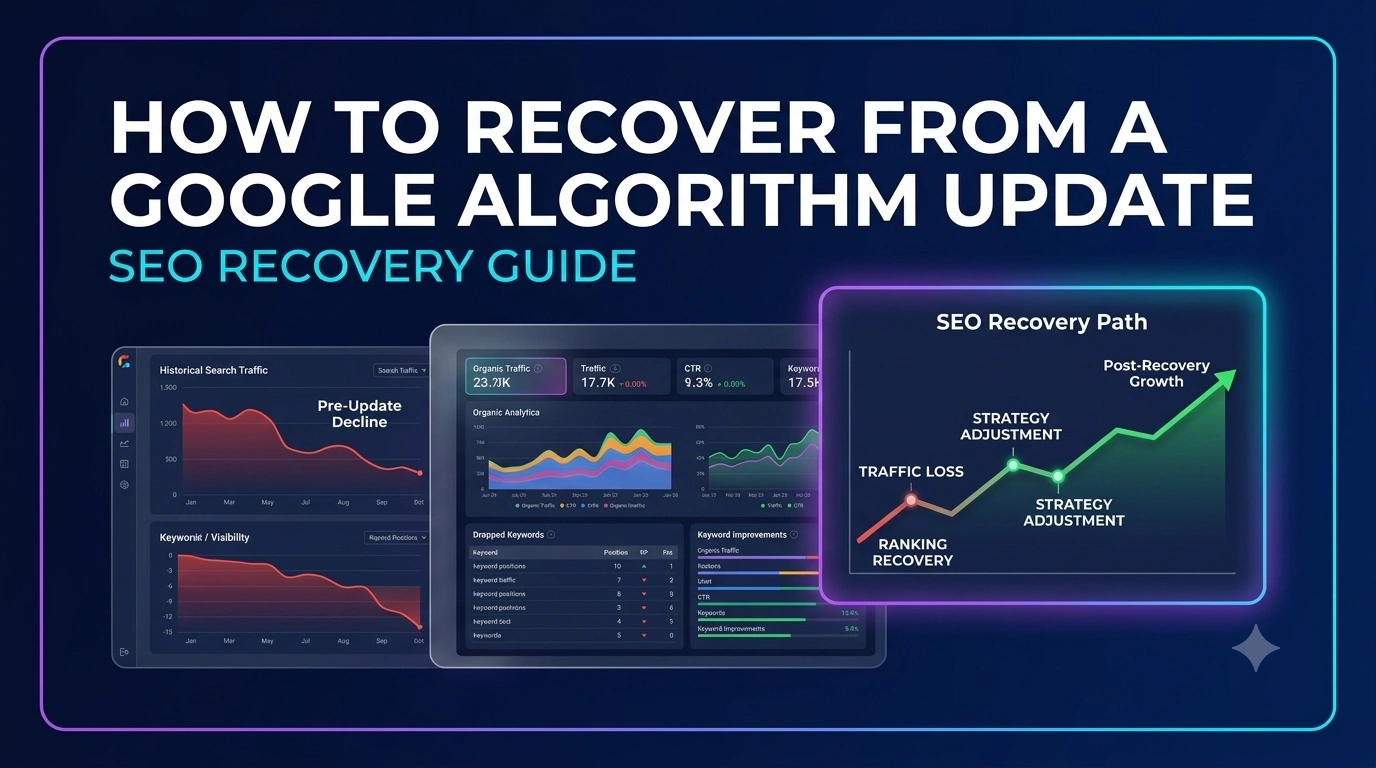
SEO
How to Recover From a Google Algorithm Update: SEO Recovery Guide
Google is explicit that core updates aren't penalties targeting specific sites. That distinction changes how recovery should actually be approached.
Read Article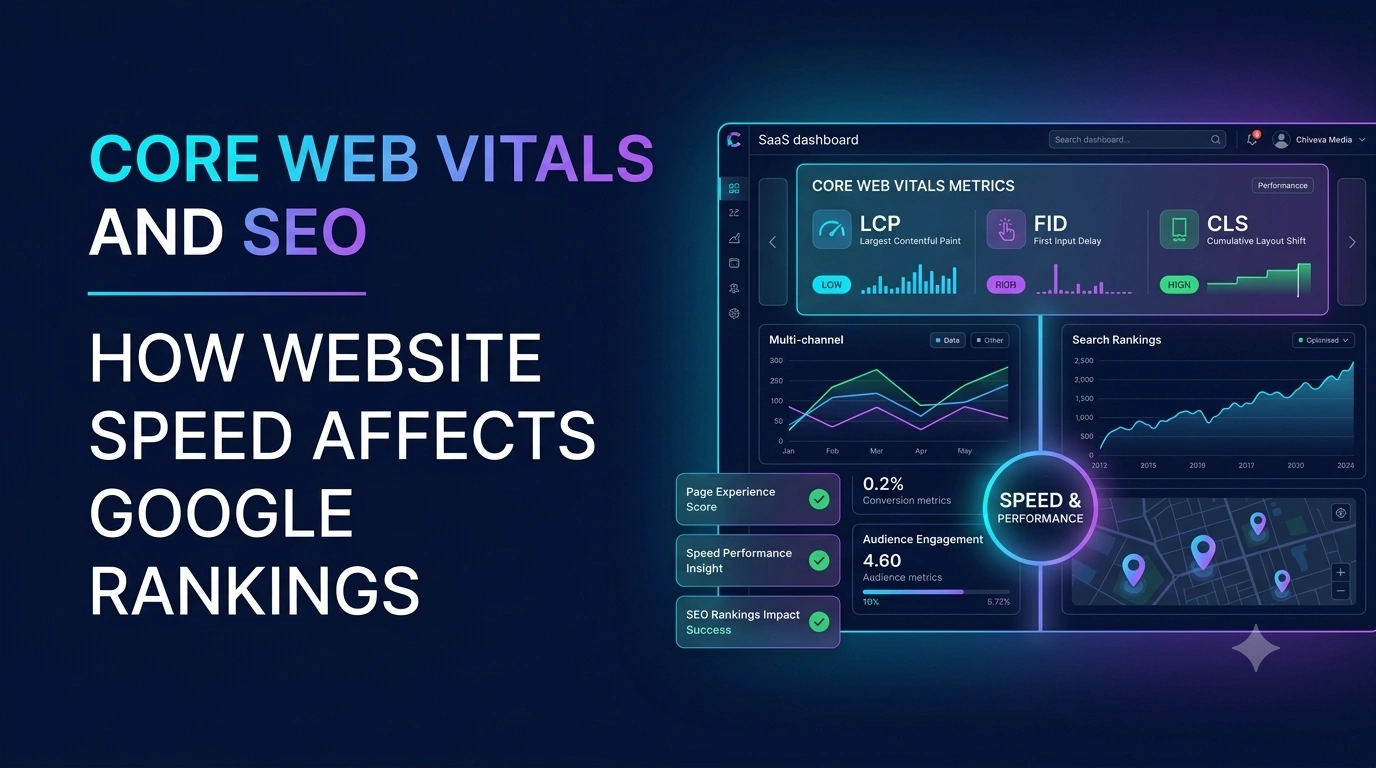
SEO
Core Web Vitals and SEO: How Website Speed Affects Google Rankings
Core Web Vitals aren't an abstract technical score — they're Google's attempt to measure whether your site actually feels fast and stable to a real visitor.
Read Article