
Conversion Optimization
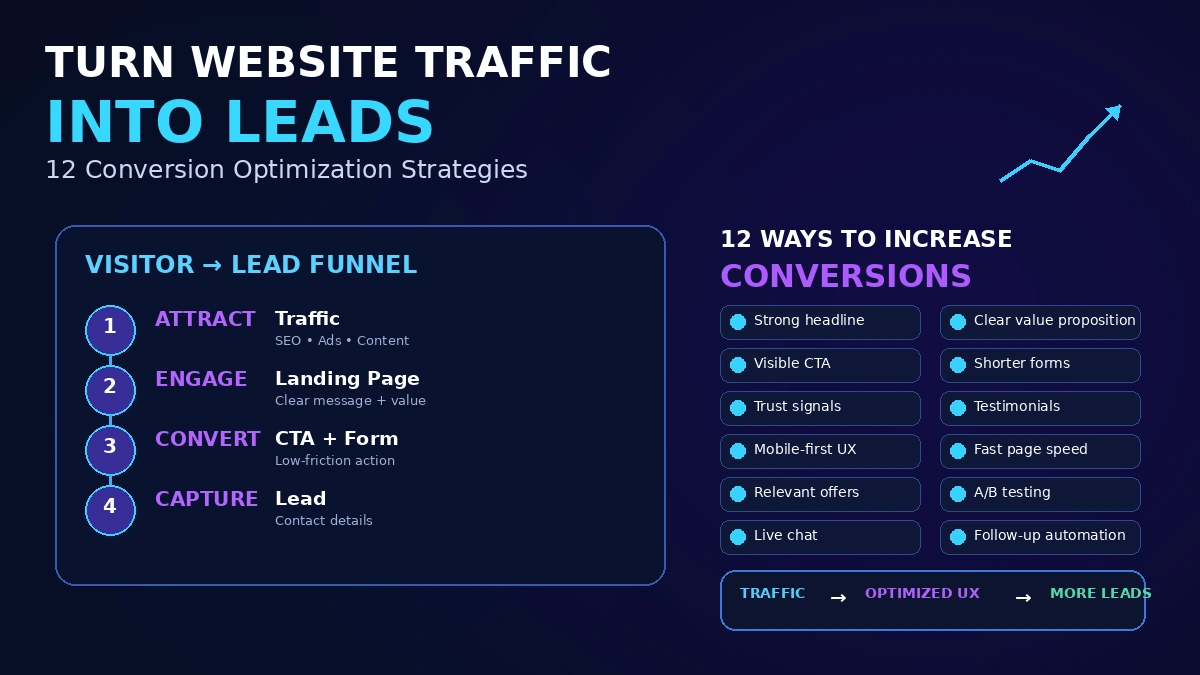
How to Turn Website Traffic Into Leads: 12 Conversion Optimization Strategies
Most businesses have a traffic problem they're trying to solve with more traffic, when the real problem is that the traffic they already have isn't converting.
The short answer
Traffic and leads are two different problems, and most businesses trying to fix a lead shortage by chasing more traffic are solving the wrong one. If visitors are arriving and leaving without converting, the issue usually lives in the page experience itself — unclear offers, weak calls to action, demanding forms, or missing trust signals — not in how many people show up. Fixing conversion on the traffic you already have is almost always faster and cheaper than acquiring more traffic to compensate for a leaky page.
Why traffic alone doesn’t generate leads
A visitor converts when three things line up: the page matches what they were looking for, it’s obvious what to do next, and taking that next step feels low-risk. If any one of those breaks down, additional traffic just means more people hitting the same broken experience — which is why “get more traffic” is often the wrong first fix for a lead problem.
12 conversion optimization strategies that actually move the needle
- Match the page to the intent that brought someone there. A visitor from a “pricing” search landing on a generic homepage has already lost some of the momentum they arrived with.
- Put your core offer and call to action above the fold. Nielsen Norman Group’s eyetracking research found users spend roughly 57% of their page-viewing time above the fold and about 74% within the first two screenfuls — burying your ask below that meaningfully reduces how many people ever see it.
- Use one clear, singular call to action per page. Multiple competing asks (call us, download this, sign up, chat now) split attention and reduce action on all of them.
- Shorten your lead capture forms to match the offer. Every additional field is a small new reason to abandon — ask for only what you genuinely need at this stage.
- Add real trust signals near the point of conversion. Reviews, credentials, client logos, or guarantees reduce the perceived risk of taking action right when it matters most.
- Write specific, benefit-driven headlines instead of vague company taglines that don’t tell a visitor what they’ll actually get.
- Make sure your page loads fast, since slow-loading pages lose visitors before the content is even fully visible.
- Use social proof relevant to the visitor’s situation, not generic praise — a testimonial from a similar customer is more persuasive than a broad claim.
- Reduce navigation distractions on high-intent pages. A landing page built for one specific offer converts better with fewer competing links pulling attention away.
- Follow up quickly on form submissions. A fast, relevant response to a new lead significantly increases the odds of it turning into a real conversation.
- Test one meaningful change at a time rather than overhauling a page all at once, so you can actually tell what improved results.
- Segment your calls to action by funnel stage. Someone reading a blog post isn’t ready for the same ask as someone on your pricing page — match the offer to where they actually are.
Where to start if you can only do a few of these
| If you have… | Start here |
|---|---|
| High traffic, low conversions | Above-the-fold clarity, single CTA, form length |
| Decent conversions, weak lead quality | Better intent-matching, funnel-stage segmentation |
| Good landing pages, slow follow-up | Faster response process, not more page changes |
This same logic underpins effective landing page optimization more broadly — small, targeted changes based on real behavior tend to outperform sweeping redesigns.
Common mistakes
- Optimizing for traffic when conversion is the actual bottleneck.
- Asking for too much too soon, before a visitor has any reason to trust you with detailed information.
- No clear next step on high-traffic pages, leaving visitors to self-navigate toward a conversion that never happens.
- Ignoring page speed and mobile experience, which quietly suppress conversions regardless of how good the content is.
The bottom line
Turning traffic into leads is fundamentally about removing friction between “a visitor is interested” and “a visitor takes action” — not about generating more visitors. Start by fixing the pages already getting meaningful traffic: clarify the offer, simplify the ask, and add the trust signals that make taking action feel low-risk. This is part of the broader discipline of conversion rate optimization, and it’s usually the fastest lever available for a business that already has decent traffic but not enough leads.
Frequently asked questions
What's a good website conversion rate?
It varies enormously by industry, traffic source, and what counts as a conversion, so there's no single universal benchmark worth chasing. A more useful approach is tracking your own baseline conversion rate and working to improve it consistently, rather than comparing directly against an industry-wide number that may not reflect your specific situation.
Why is my website getting traffic but no leads?
The most common causes are a mismatch between what brought someone to the page and what the page actually offers, an unclear or missing call to action, a lead form that's more demanding than the offer justifies, or a lack of trust signals that makes visitors hesitant to share their information.
Do I need to redesign my whole website to improve conversions?
Usually not. Most conversion improvements come from targeted changes to specific high-traffic pages — clarifying the call to action, simplifying a form, adding trust signals — rather than a full redesign, which is slower and riskier without first testing what actually needs to change.
How long should a lead capture form be?
As short as the offer justifies. A low-commitment offer like a newsletter signup should ask for very little, while a high-commitment offer like a custom quote can reasonably ask for more, because the visitor's willingness to share information scales with what they're getting in return.
Should every page on my website have a call to action?
Every page that could reasonably lead to a conversion should have a clear, singular next step. Pages without a clear call to action leave it up to the visitor to figure out what to do next, and most simply leave instead.
More insights
Conversion Optimization
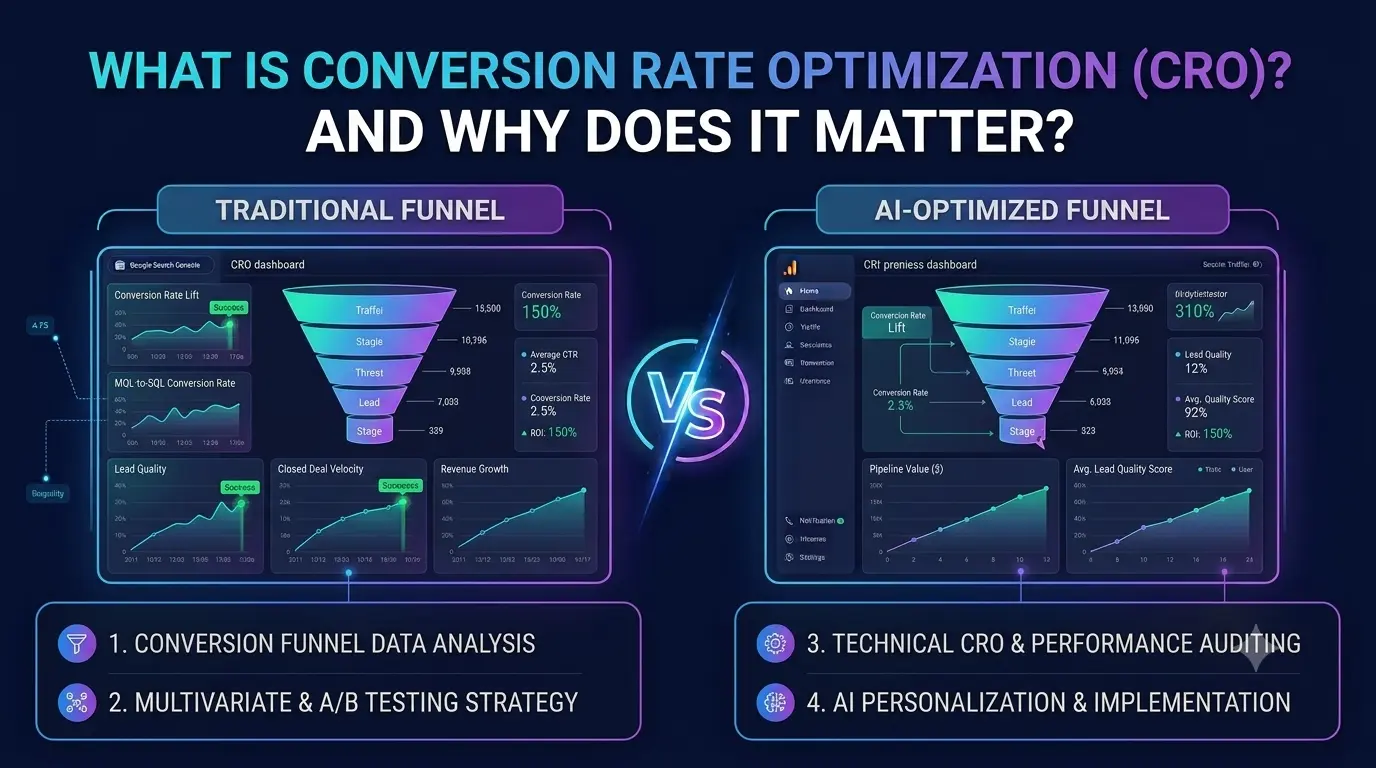
What Is Conversion Rate Optimization (CRO) and Why Does It Matter?
Most businesses spend far more trying to get new traffic than trying to convert the traffic they already have. CRO fixes that imbalance.
Read Article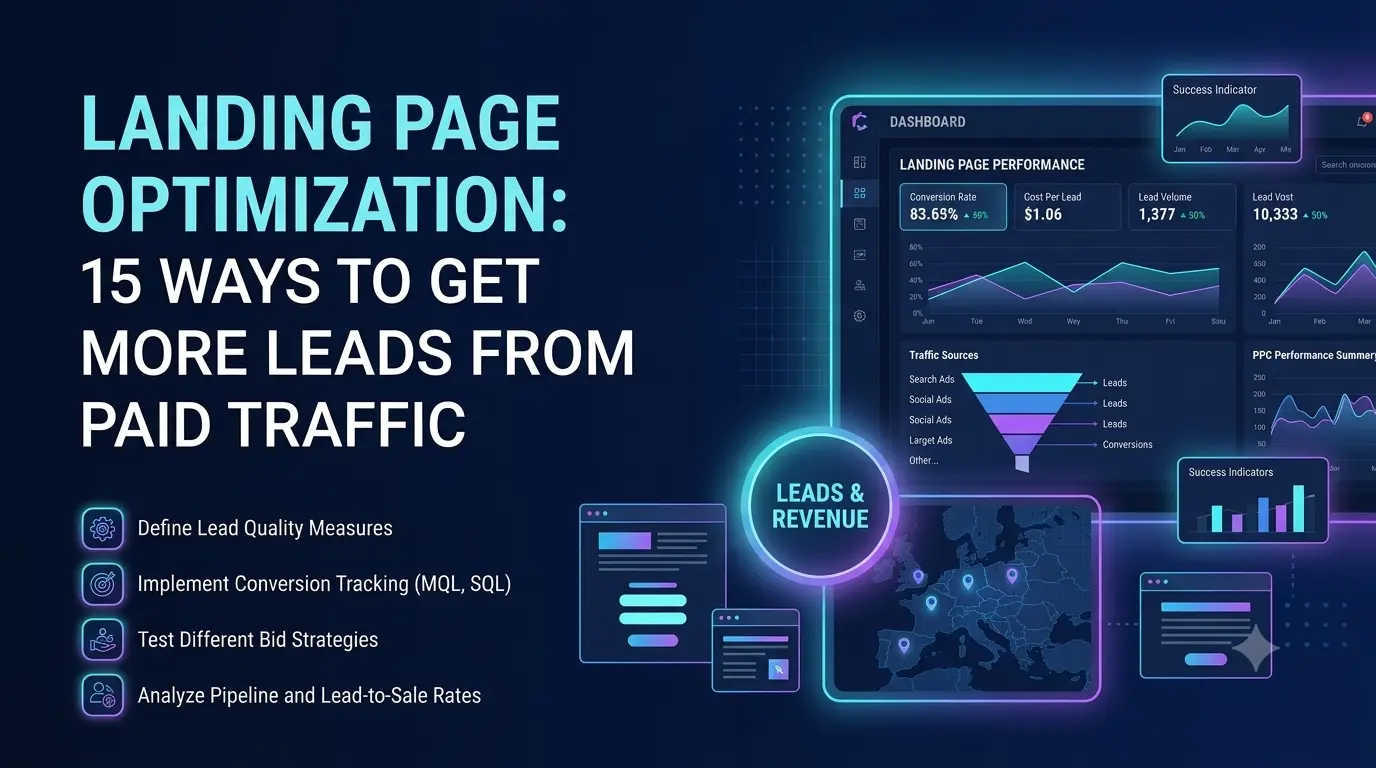
Conversion Optimization
Landing Page Optimization: 15 Ways to Get More Leads From Paid Traffic
A great ad sending traffic to a mediocre landing page is one of the most common — and most fixable — ways paid advertising budget gets wasted.
Read Article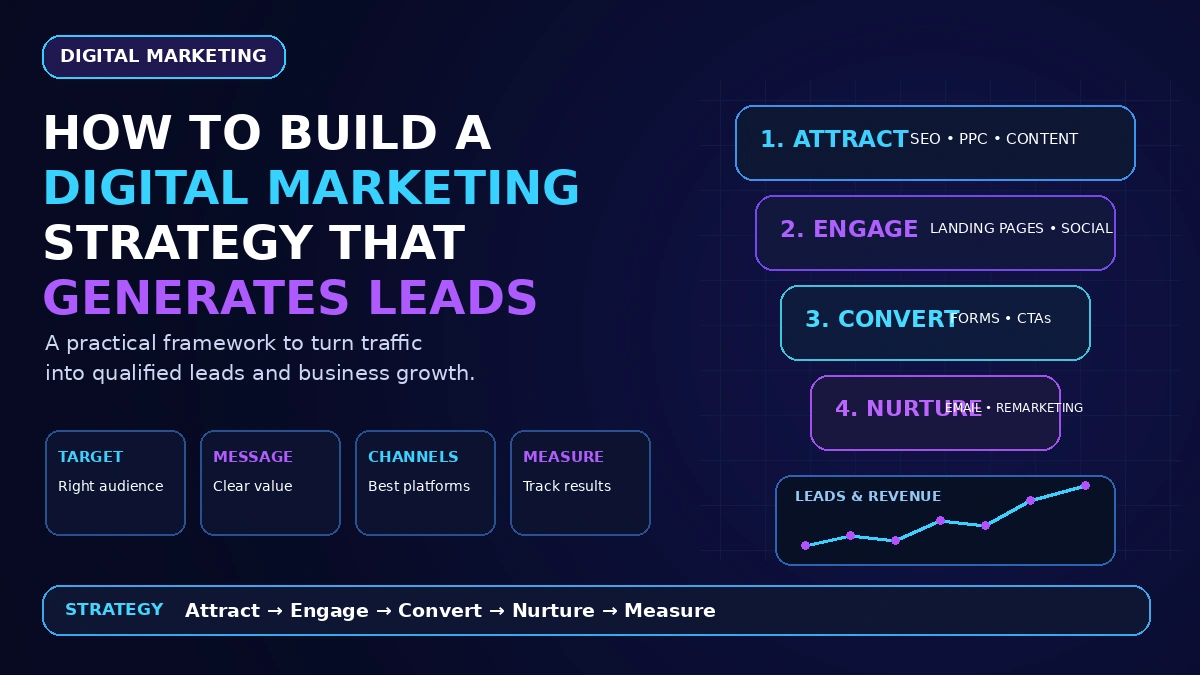
Digital Marketing Strategy
How to Build a Digital Marketing Strategy That Actually Generates Leads
A digital marketing strategy isn't a list of channels — it's a sequence of decisions. Here's the order that actually works, and where most strategies go wrong.
Read Article